

Profile
Purpose
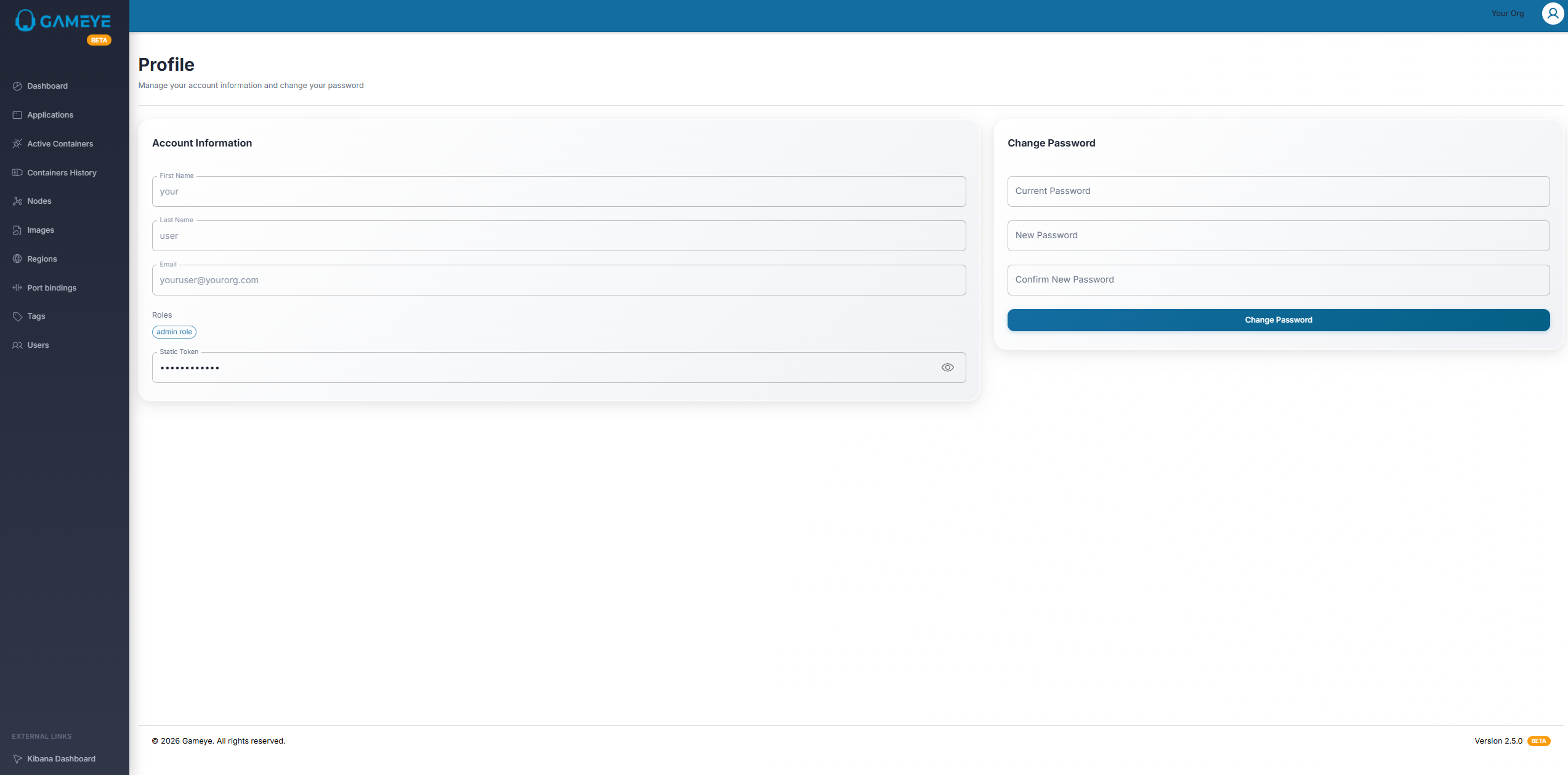
Section titled “Purpose”Your Profile page lets you view your account information and change your password.
What you see
Section titled “What you see”- Account information panel
- Change password form
How to: change your password
Section titled “How to: change your password”- Open Profile.
- Enter your current password.
- Enter and confirm your new password.
- Submit.